Best TVs With Built-in Freeview Recorders in 2026
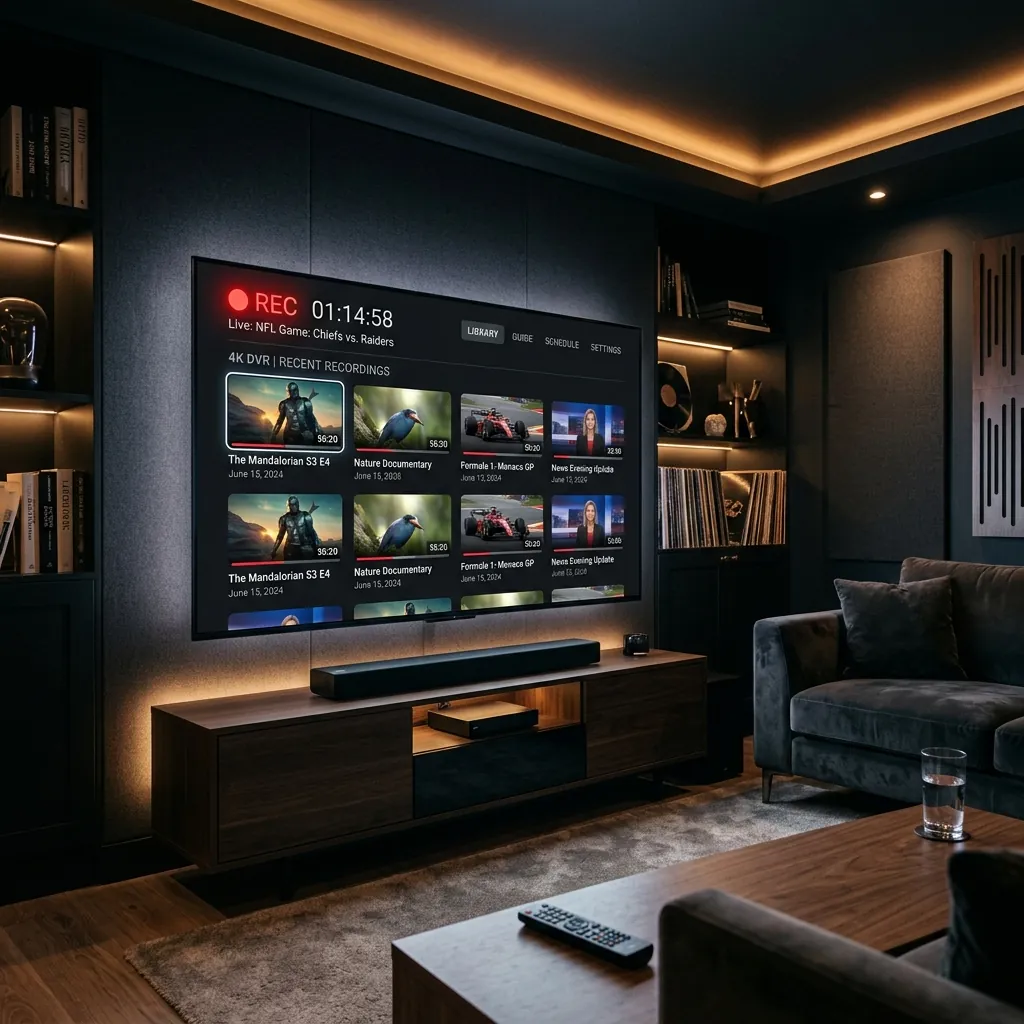
Updated June 2026 with current pricing, channel listings and UK setup steps. Why buy a separate Freeview box when your television can do the recording itself? Several modern TVs come with built-in Freeview HD tuners, hard drives, and PVR (Personal Video Recorder) functionality, letting you pause, rewind, and record live television without any additional hardware or subscription costs. One device, one remote, one simple setup.
This guide covers how built-in TV recorders work, which brands and models offer the best recording features, what to look for when buying, and how they compare to standalone set-top box recorders.
How Built-in Freeview Recorders Work
A TV with built-in Freeview recording combines three components: a digital TV tuner that receives Freeview channels through your aerial, an internal hard drive or USB recording capability for storing recorded programmes, and PVR software that manages scheduling, pausing, and playback of recordings.
Twin-tuner models are particularly useful — they have two separate tuners, which means you can record one channel while watching a different one live. Some premium models even have triple tuners, allowing you to record two channels simultaneously while watching a third. This is the same technology used in standalone Freeview PVR boxes, but built directly into the television.
Most TVs with built-in recorders also include Freeview Play when connected to WiFi, which adds catch-up TV from BBC iPlayer, ITVX, Channel 4, and My5 alongside your live and recorded content. This combination of live TV, recording, and catch-up provides a complete viewing experience from a single device with no external box needed.
Samsung TVs With Recording
Samsung Smart TVs include a USB recording feature called PVR (Personal Video Recorder) on most models. By plugging a USB hard drive (sold separately) into your Samsung TV, you can record live Freeview programmes, pause and rewind live TV, and schedule recordings from the programme guide. Samsung's Tizen operating system provides a clean interface for managing recordings.
The advantage of Samsung's approach is flexibility — you choose the USB drive size (and therefore your recording capacity). A 1 TB USB drive stores approximately 500 hours of standard definition or 125 hours of HD content. Samsung TVs also include Samsung TV Plus with 100+ free FAST channels and support all UK broadcaster apps for catch-up viewing.
LG TVs With Recording
LG Smart TVs running webOS offer USB recording similar to Samsung. Connect a USB hard drive and you can record live Freeview, set series recordings, and time-shift (pause and rewind) live TV. LG's Time Machine feature lets you go back to the beginning of a programme that has already started, even if you did not set a recording in advance.
LG TVs are particularly strong for Freeview because they include both Freeview Play (integrated catch-up from all UK broadcasters) and LG Channels (200+ free FAST channels). Combined with USB recording, an LG TV provides one of the most complete free TV experiences available without any additional hardware.
Sony TVs With Recording
Sony's Bravia range includes USB HDD recording on select models. The recording interface is straightforward: connect a USB drive, format it through the TV's settings, and you can record from the programme guide or set manual timer recordings. Sony TVs run Google TV (or Android TV on older models), giving you access to the Google Play Store for all UK broadcaster apps.
Note that Sony's USB recording feature is not available on all models — check the specific model's specification sheet before buying if recording is important to you. Google TV's integration is excellent for on-demand and catch-up content, but for live TV recording, confirm the feature is present.
Key Features to Compare
Twin tuner
Essential. Without twin tuner, you cannot record one channel while watching another. Most mid-range and premium TVs include twin tuner; budget models often have single tuner only.
USB vs built-in storage
Most TVs use external USB drives (you buy separately). A few premium models include internal hard drives. USB is actually better — if the TV fails, your recordings are on a separate drive.
Series recording
The ability to automatically record every episode of a series. Most modern PVR TVs support this, but check before buying if you rely on it.
Freeview Play support
Adds catch-up TV from all UK broadcasters alongside your recordings. Available on most Samsung, LG, Sony, Panasonic, and Hisense TVs sold since 2018.
WiFi connectivity
Required for catch-up TV and streaming apps. All Smart TVs include WiFi, but it is worth checking that Freeview Play is also supported.
Built-in Recorder vs Standalone PVR Box
Built-in recording is convenient — one device, one remote, less clutter. However, standalone Freeview PVR boxes like the Humax Aura and Manhattan T4-R typically offer more recording capacity, triple tuners (record two channels while watching a third), better programme guide interfaces, and features like network streaming to other devices in your home.
If recording is a primary use case and you record multiple programmes daily, a dedicated PVR box from our Freeview box guide will serve you better. If you occasionally record a programme and mainly watch live and catch-up TV, the built-in TV recorder saves you the cost and hassle of a separate device. For households that do not record at all, a streaming device like a Firestick or the catch-up features of free streaming services may be all you need.
Need a TV Recommendation?
Tell us your budget and screen size preference — we will suggest the best TV with recording.