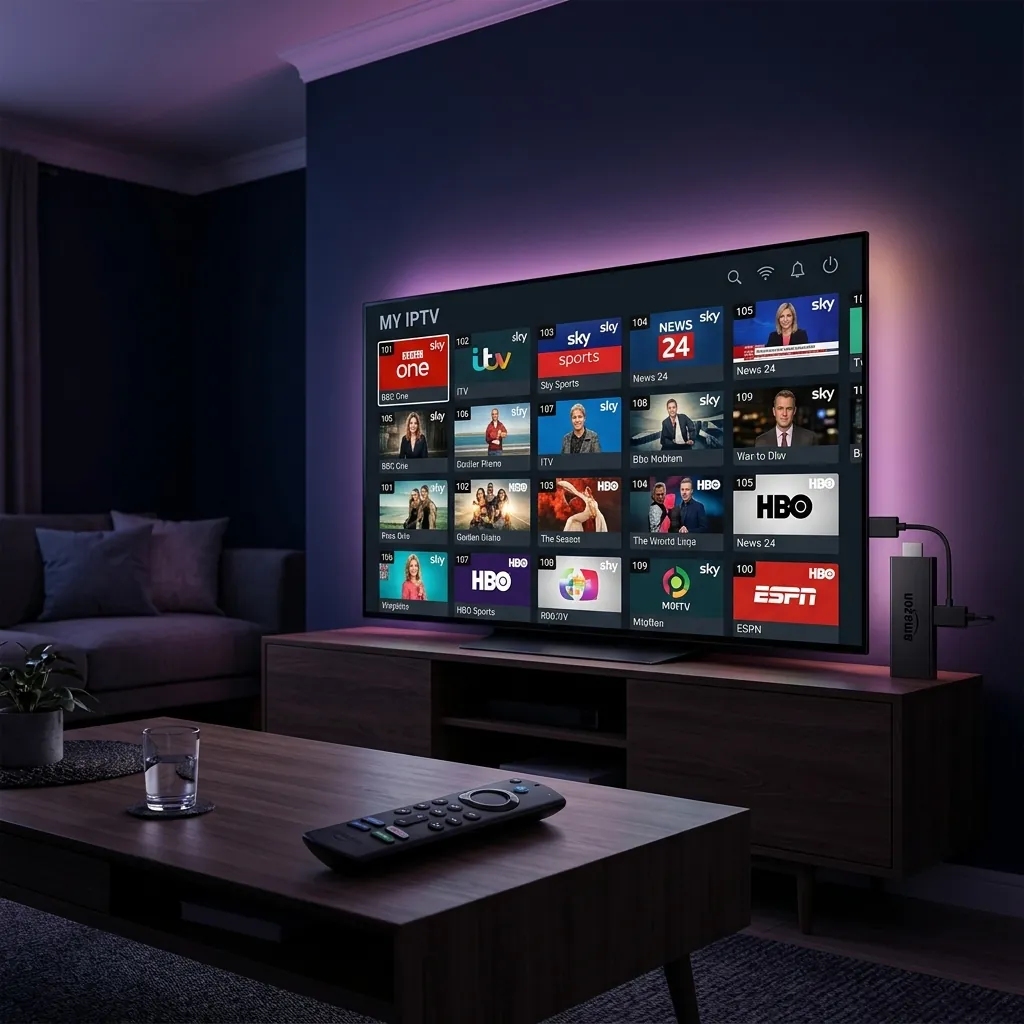
What Is IPTV and How Does It Work?
IPTV stands for Internet Protocol Television. Unlike traditional broadcasting methods that send signals through radio waves (aerial), satellite, or coaxial cables, IPTV delivers television programming through your broadband internet connection using the same technology that powers websites and video streaming.
When you watch an IPTV channel, the video content is sent to your device as small data packets over the internet. Your IPTV app or IPTV box reassembles these packets into a seamless video stream. This means you can watch live TV, on-demand movies, catch-up programming, and even record shows — all through your WiFi or ethernet connection.
For a deeper explanation with diagrams and examples, read our full article on what IPTV is and how it works.
Key Advantages of IPTV Over Traditional TV
The minimum internet speed recommended for IPTV is 10 Mbps for standard definition and 25 Mbps for HD content. If your household streams on multiple devices simultaneously, aim for 50 Mbps or higher. Most UK broadband packages exceed these requirements. If you experience issues, our guide to fixing IPTV buffering covers ten proven solutions.
IPTV 1-Month Trial: Test Before You Commit
The best way to evaluate an IPTV service is to try it yourself. Rather than committing to a full year upfront, you can start with a single low-cost month — our £10 1-month trial gives you a full 30 days to test channel quality, streaming reliability, and the electronic programme guide (EPG) before paying for a longer plan.
During your trial, pay attention to several key factors: how quickly channels load when you switch between them, whether HD channels maintain consistent quality during peak evening hours, how comprehensive the channel list is for UK content, and whether the catch-up and on-demand library meets your expectations.
Our dedicated trial guide explains exactly what you get during the 30 days, how to set it up on every device, and how to upgrade to a longer plan once you are happy with the service.
Read our complete IPTV trial guideIPTV Subscription Plans & Pricing in the UK
IPTV subscription prices in the UK typically range from £5 to £15 per month, making it significantly cheaper than traditional cable or satellite TV packages. Most providers offer multiple plan tiers based on the number of simultaneous connections, channel count, and whether you want access to premium sports and movie channels.
When comparing IPTV subscription plans, look beyond the monthly price. Consider the total value: how many UK channels are included, whether international channels are available, the quality of the EPG (electronic programme guide), customer support responsiveness, and the reliability of the service during peak viewing times.
Most providers offer better rates on longer commitments. A 12-month plan can save you 30 to 50 percent compared to paying monthly. However, we always recommend starting with our £10 1-month trial before committing to a longer term.
Compare IPTV subscription plans and pricing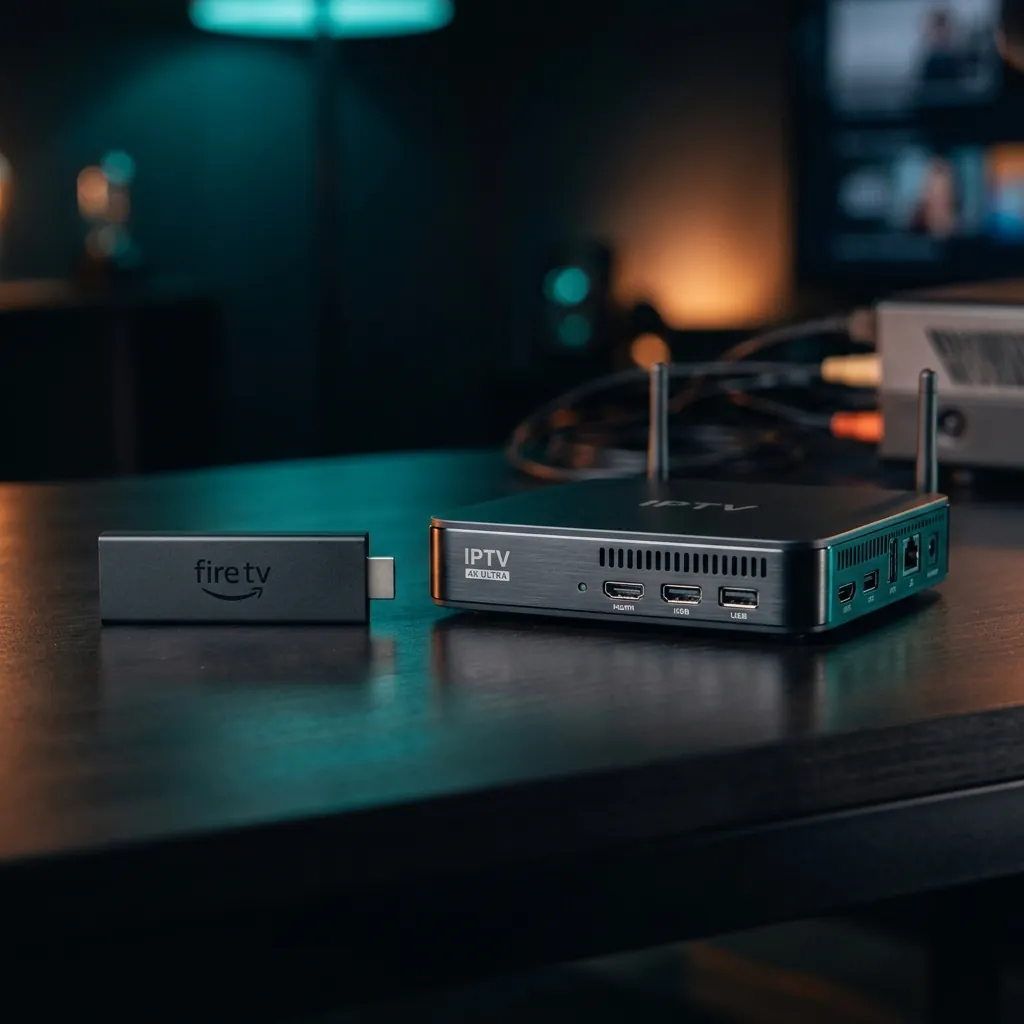
Best IPTV for Amazon Firestick
The Amazon Firestick is the most popular device for watching IPTV in the UK, and for good reason. It is affordable (often under £30), plugs directly into your TV's HDMI port, and supports all the major IPTV apps. The Firestick 4K Max is our top recommendation for IPTV viewers who want the best streaming quality.
Setting up IPTV on a Firestick takes about five minutes. You will need to install an IPTV player app (we recommend TiviMate or IPTV Smarters Pro), enter your subscription details, and start watching. Our step-by-step IPTV setup guide walks you through the entire process with screenshots.
You can also use a Firestick for watching Freeview channels through the Freeview Play app, giving you the best of both worlds: premium IPTV channels alongside free-to-air UK television.
See our top IPTV picks for FirestickBest IPTV Boxes & Hardware for UK Viewers
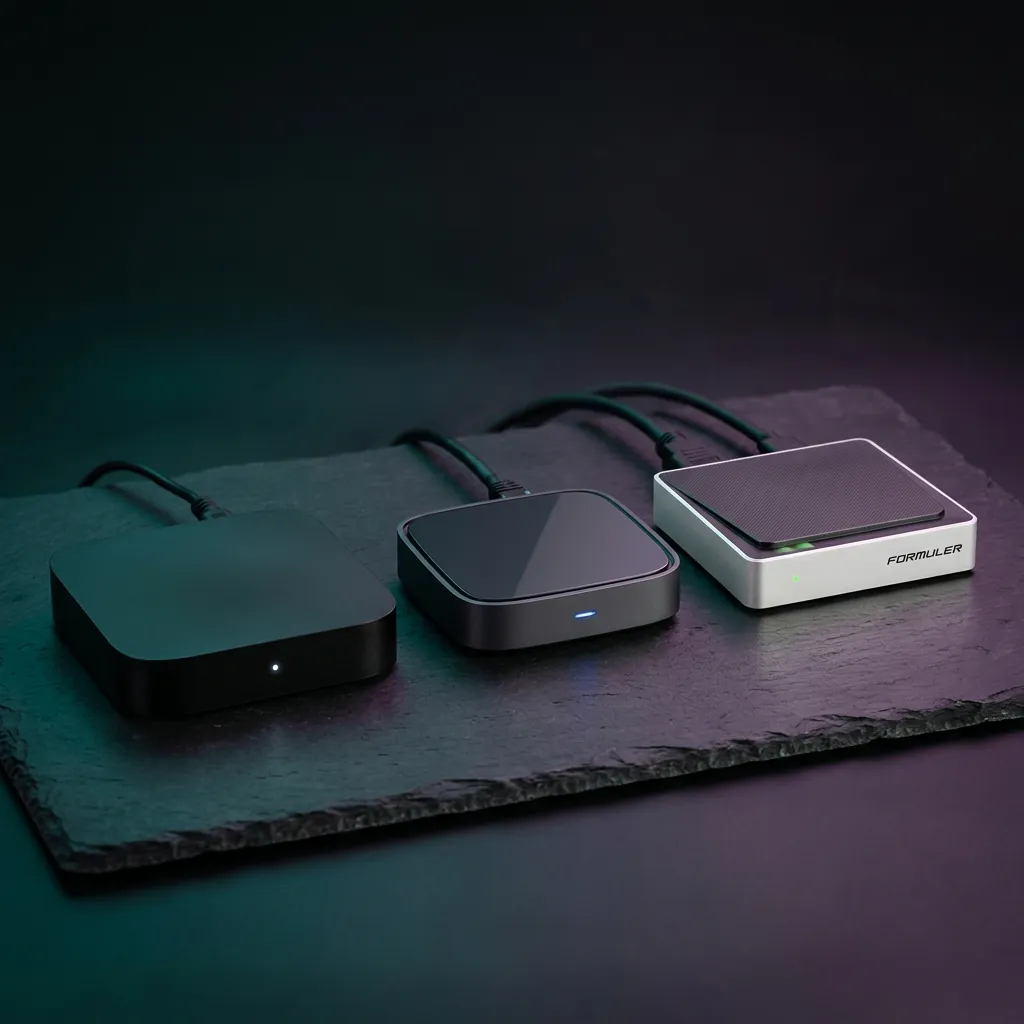
While a Firestick is the most affordable entry point, dedicated IPTV boxes offer superior performance, better remote controls, and more storage for catch-up content. The three main categories of IPTV boxes are Android TV boxes, MAG devices, and Formuler units.
Android TV boxes (like the Nvidia Shield and Xiaomi Mi Box) are the most versatile option because they support all Android IPTV apps plus Netflix, Disney+, and other mainstream streaming services. MAG boxes are purpose-built for IPTV with a simple interface that feels like a traditional cable box. Formuler devices strike a balance between the two with their custom MyTVOnline app.
If you are deciding between an IPTV box and a traditional set-top box, the key difference is flexibility. IPTV boxes give you access to thousands of channels worldwide, while Freeview and Freesat boxes are limited to UK free-to-air channels — though they require no subscription at all.
Read our IPTV box buyer's guideIs IPTV Legal in the UK?
This is the most common question we receive, and the answer requires nuance. IPTV as a technology is completely legal — it is simply a method of delivering television over the internet. Services like BBC iPlayer, ITVX, and NOW TV all use IPTV technology, and they are obviously legitimate.
The legal issues arise with certain third-party IPTV providers that redistribute copyrighted content (such as Sky Sports and premium movie channels) without proper licensing. Using these services puts you at risk of prosecution under the Digital Economy Act 2017 and the Copyright, Designs and Patents Act 1988.
How to Stay Safe
Always verify that your IPTV provider has legitimate content licensing. If a service offers hundreds of premium channels (Sky Sports, BT Sport, premium movies) for under £10 per month, it is almost certainly operating illegally. Legitimate services charge fair prices and are transparent about their licensing.
Our comprehensive guide explains exactly how to distinguish between legal and illegal IPTV services, the real risks involved, and the best legitimate alternatives.
Read our full guide: Is IPTV legal in the UK?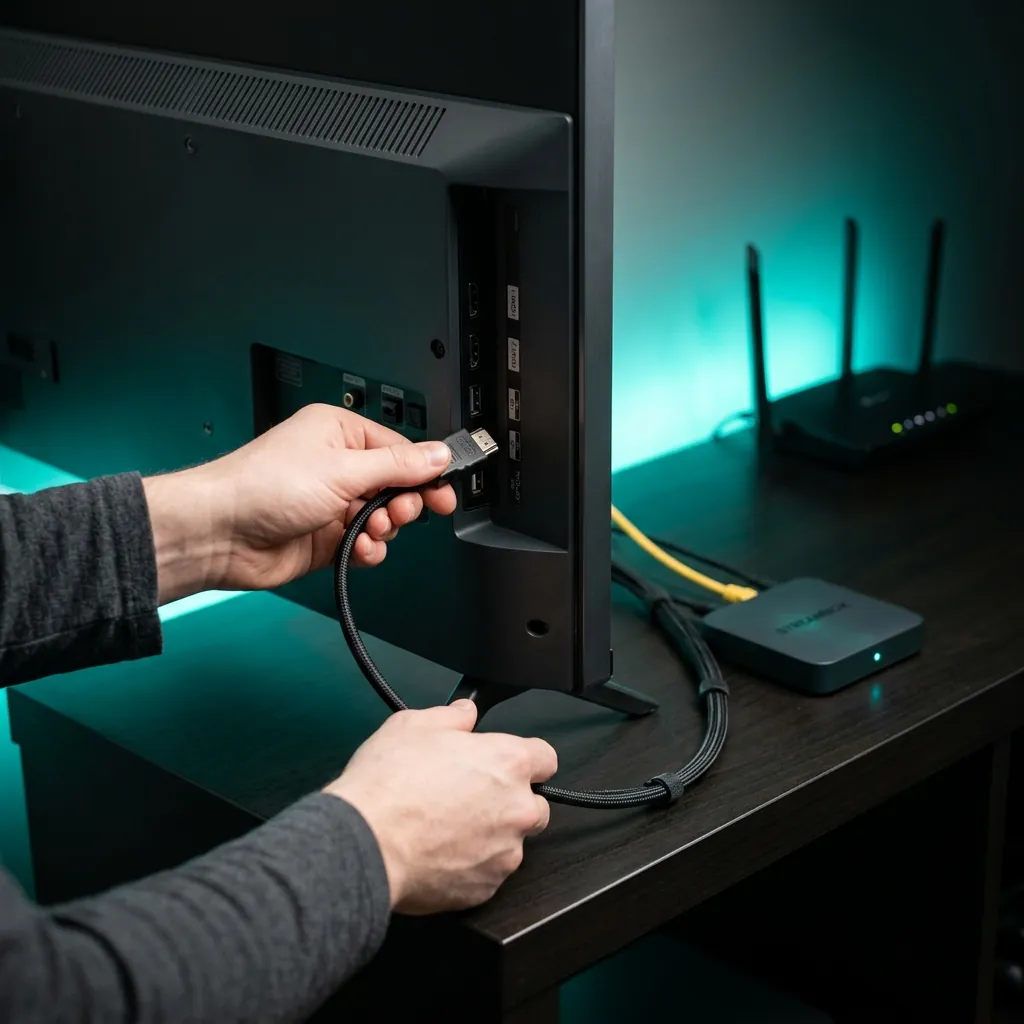
Best IPTV Players & Apps
An IPTV player is the app you use to watch IPTV content on your device. Think of it as the interface between your IPTV subscription and your screen. The right IPTV player makes a significant difference to your viewing experience — from how quickly channels load to how the electronic programme guide (EPG) looks and feels.
For Android devices and Firestick, TiviMate is widely considered the best IPTV player, offering a polished interface with full EPG support, catch-up TV, recording capabilities, and multi-screen viewing. For Windows PCs, VLC Media Player is a free option, while MyIPTV Player offers a more TV-like experience.
Compare the best IPTV player appsFree IPTV Playlists & M3U Links
M3U playlists are text files containing links to IPTV streams. When you load an M3U playlist into an IPTV player, it populates your channel list — similar to how a radio tuner scans for stations. Some free IPTV playlists are entirely legal, containing links to publicly available streams like news channels, government broadcasts, and free-to-air content.
However, be cautious with M3U playlists found on random websites and forums. Many contain links to pirated content, which carries the same legal risks as using an unlicensed IPTV provider. Our guide covers where to find legitimate free playlists, how to load them into your IPTV player, and how to keep them updated.
Find free legal IPTV playlistsFreeview Through IPTV: The Free Alternative
Not ready for a paid IPTV subscription? Freeview channels are available through IPTV technology completely free of charge. Services like Freeview Play and the new Freely platform deliver all UK free-to-air channels over the internet, meaning you can watch BBC, ITV, Channel 4, Channel 5, and dozens more without an aerial or satellite dish.
Our guide to Freeview IPTV explains how to set up free internet-based Freeview on your Smart TV, Firestick, or streaming device. You might also want to explore our best Freeview boxes guide for dedicated hardware options, or check if you can get Freeview without an aerial using your existing internet connection.
Learn about Freeview IPTV setupReady to Subscribe?
Plans from £2.22/month with up to 27,000+ channels, 190,000+ VOD, and 4K quality. 30-day money-back guarantee.
Get IPTV Tips in Your Inbox
Weekly updates on providers, deals, and setup tutorials. No spam, unsubscribe anytime.
You Might Also Like
Best Freeview Boxes UK 2026
If you prefer free-to-air channels without a subscription, Freeview boxes are the no-cost alternative to IPTV.
How to Watch TV Online in the UK
Beyond IPTV, there are dozens of ways to stream UK TV online. Our complete guide covers every option.
Watch World Cup 2026 via IPTV
Complete guide to watching every FIFA World Cup 2026 match in the UK. Free streaming and premium IPTV options.