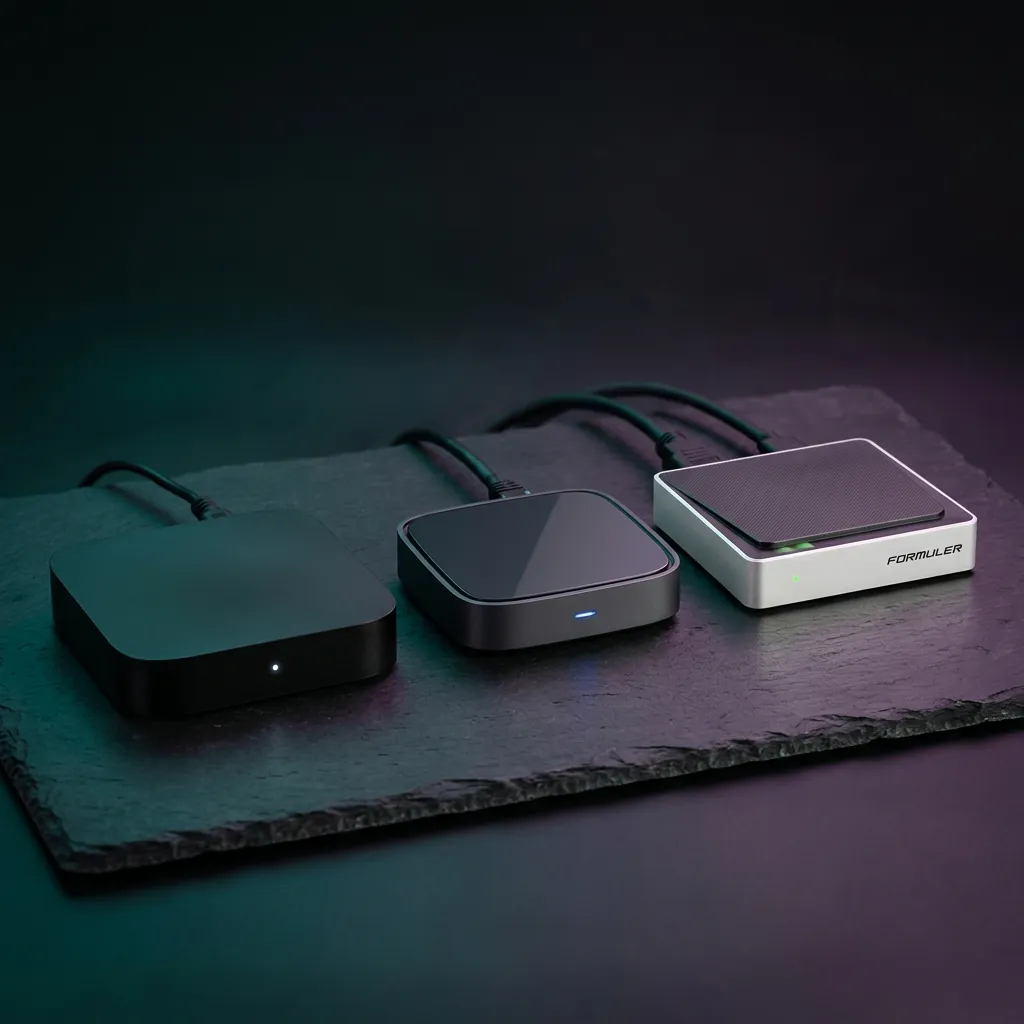
Best IPTV Box UK: Complete Buyer's Guide for 2026
Updated June 2026 with current pricing, channel listings and UK setup steps. While an Amazon Firestick is the cheapest way to watch IPTV, a dedicated IPTV box delivers a noticeably better experience for viewers who rely on IPTV as their primary television source. Faster channel switching, more storage for recordings and catch-up content, full-size remote controls with number pads, and more powerful processors that handle HD and 4K streams without breaking a sweat.
This guide compares the three main categories of IPTV boxes available in the UK — Android TV boxes, MAG devices, and Formuler units — and helps you decide which is best for your budget and viewing habits.
Types of IPTV Boxes Explained
There are three distinct categories of IPTV box, each with different strengths. Understanding these differences is the key to making the right purchase.
Android TV Boxes
Android TV boxes run a full version of Android, giving you access to the Google Play Store and every Android IPTV app available. This means you can use TiviMate, IPTV Smarters Pro, and OTT Navigator alongside mainstream apps like Netflix, Disney+, BBC iPlayer, and YouTube. The Nvidia Shield TV Pro is the gold standard, offering the fastest processor, 4K HDR support, Dolby Atmos audio, and a built-in Plex media server. More affordable options like the Xiaomi Mi Box S and Mecool KM2 Plus deliver excellent performance for a fraction of the price.
Price range: £40–£200. Best for: viewers who want IPTV plus Netflix, Disney+, and other streaming apps on one device.
MAG Boxes
MAG boxes (manufactured by Infomir) are purpose-built IPTV devices. They do not run Android and cannot install third-party apps — instead, they connect directly to your IPTV provider's portal for a streamlined, cable-TV-like experience. The interface is simpler and more focused than Android boxes, which many non-technical users prefer. Popular models include the MAG 524w3 (WiFi built-in, 4K support) and MAG 522w1 (HD, budget-friendly). MAG boxes are configured through a portal URL provided by your IPTV service, rather than through an app.
Price range: £60–£120. Best for: viewers who want a simple, reliable IPTV-only device without the complexity of Android.
Formuler Boxes
Formuler boxes run Android but feature a custom launcher called MyTVOnline 2 (MYTVOnline2), which provides the best of both worlds: a polished, IPTV-focused interface with the flexibility of Android app support in the background. The Formuler Z11 Pro Max is the current flagship, offering 4K HDR, dual-band WiFi 6, Bluetooth, and 32 GB of storage. The MyTVOnline app is widely praised for its fast channel switching, excellent EPG, and intuitive catch-up TV interface.
Price range: £100–£180. Best for: viewers who want a premium, all-in-one IPTV experience with the best interface quality.
Quick Comparison: Android vs MAG vs Formuler
| Feature | Android Box | MAG Box | Formuler |
|---|---|---|---|
| IPTV app choice | Any Android app | Built-in portal only | MyTVOnline + Android |
| Mainstream streaming | Netflix, Disney+, etc. | Not available | Full Android access |
| Ease of use | Moderate | Very easy | Easy (guided setup) |
| IPTV interface quality | Depends on app | Good | Excellent |
| 4K support | Most models | Select models | Flagship models |
| Price | £40–£200 | £60–£120 | £100–£180 |
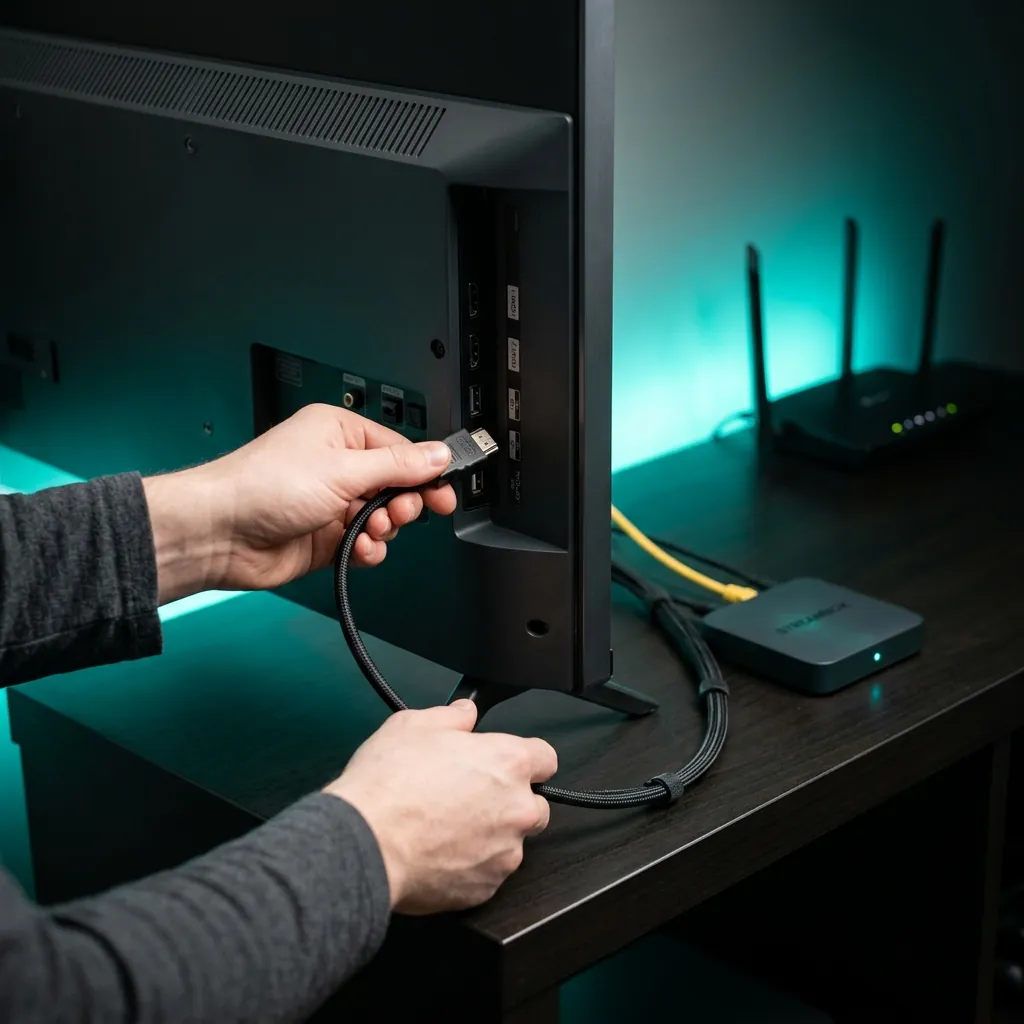
Setting Up Your IPTV Box
All three types of IPTV box follow a similar setup process: connect to your TV via HDMI, connect to your home WiFi or ethernet, and then configure your IPTV subscription. Android boxes use apps like TiviMate where you enter an M3U URL or Xtream Codes login. MAG boxes require a portal URL entered through the device settings. Formuler boxes guide you through MyTVOnline setup during first boot.
If you are new to IPTV entirely, our complete IPTV setup guide covers every device type with screenshots. And if you have not chosen an IPTV provider yet, start with an IPTV 1-month trial before buying hardware — there is no point investing in a box if you do not like the service.
Whichever box you choose, make sure your internet connection meets the minimum requirements. You need at least 10 Mbps for standard IPTV, 25 Mbps for HD, and 50 Mbps for 4K. A wired ethernet connection is always more reliable than WiFi for IPTV, so look for a box with an ethernet port if buffering is a concern. Our buffering fix guide covers additional optimisation tips.
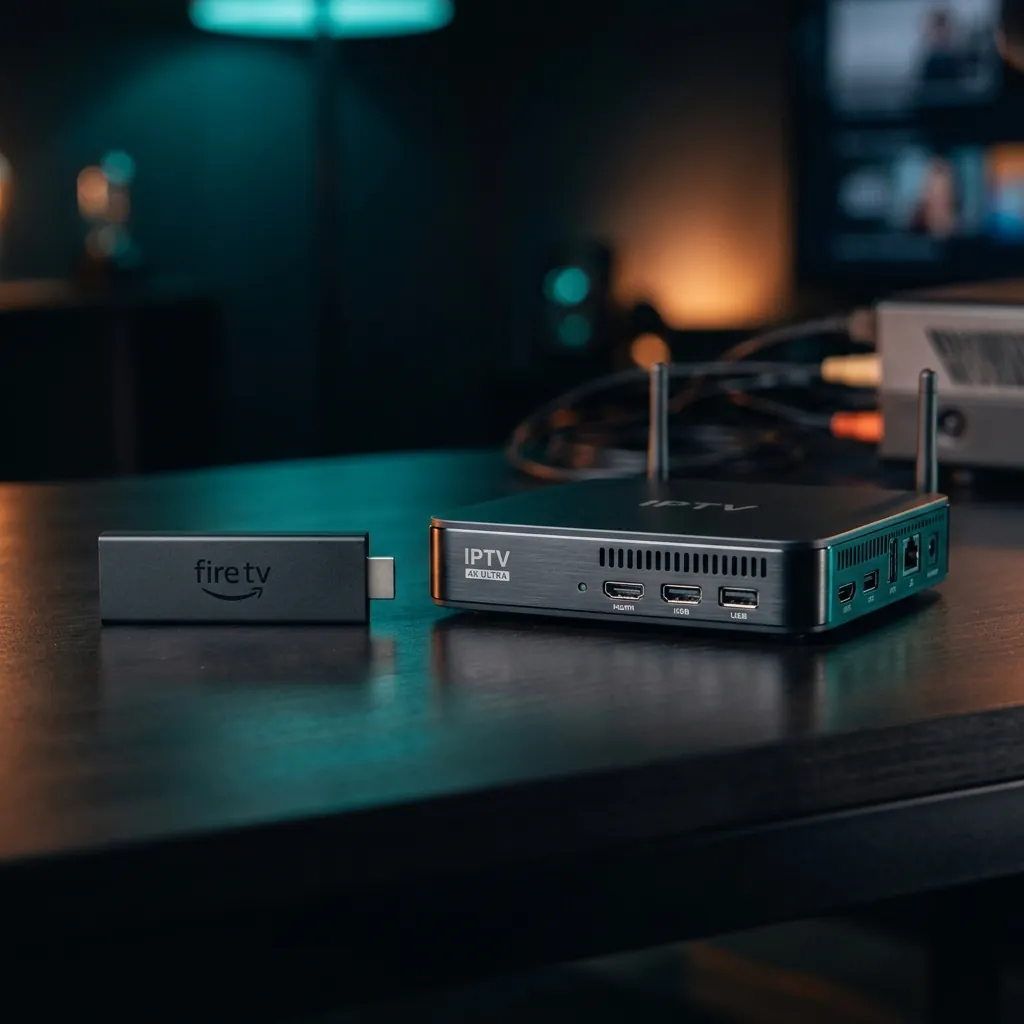
IPTV Box vs Firestick: Which Should You Buy?
If you are on a tight budget or only watch IPTV occasionally, an Amazon Firestick is the smarter starting point at £25 to £60. It handles IPTV well for casual use and doubles as a full streaming device for Netflix, Disney+, and BBC iPlayer.
A dedicated IPTV box makes sense when IPTV is your primary television source and you watch for several hours daily. The faster channel switching, bigger remote with number pad, more storage for catch-up, and overall smoother experience justify the higher price for serious viewers.
If you are interested in non-IPTV hardware, our set-top box guide compares all types including Freeview, Freesat, and Sky boxes. And for completely free TV options without any subscription, see the best Freeview boxes guide.