2026 Guide: Freeview IPTV: How to Watch Freeview Over the Internet
Updated June 2026 with current pricing, channel listings and UK setup steps. Freeview IPTV is the concept of watching traditional Freeview channels — BBC, ITV, Channel 4, Channel 5, and dozens more — delivered over your internet connection rather than through a TV aerial. It combines the free, no-subscription nature of Freeview with the flexibility of IPTV technology, allowing you to watch UK free-to-air television on any internet-connected device without any aerial installation.
This guide explains how Freeview IPTV works, the different ways to set it up, and how it compares to traditional aerial-based Freeview and paid IPTV subscriptions.
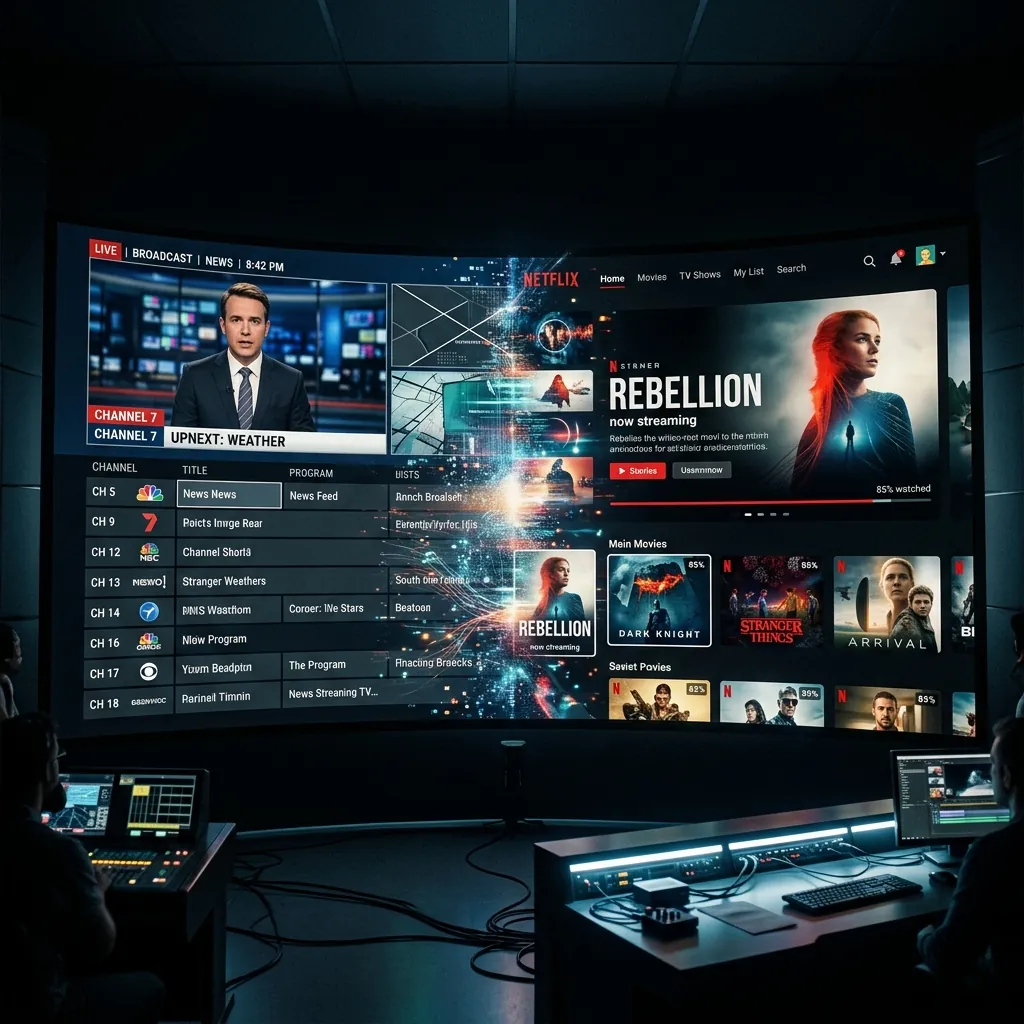
What Is Freeview IPTV?
Traditional Freeview delivers TV channels via radio waves from transmitter towers to your rooftop aerial. Freeview IPTV delivers the same channels over your broadband internet connection instead. The content is identical — the same BBC One, the same ITV, the same Channel 4 — but the delivery method is different.
Several official services now make this possible. Freeview Play, built into most modern Smart TVs, uses your internet connection to supplement aerial reception with on-demand catch-up content and, increasingly, live streaming. The newer Freely platform goes further by delivering all channels entirely over the internet without requiring an aerial at all.
This is significant because it means you can get Freeview without an aerial — no installation, no equipment on your roof, and no reception problems caused by weather or geography. All you need is a stable broadband connection and a compatible device.
How Freeview Uses IPTV Technology
Freeview's move toward IPTV delivery has been gradual but deliberate. The technology stack involves the same internet protocols used by services like Netflix and BBC iPlayer. When you watch a live Freeview channel through an internet-connected app, the video stream is sent to your device as data packets over your broadband — exactly like any other IPTV service.
The key difference between Freeview IPTV and paid IPTV services is the content: Freeview only includes the UK's free-to-air channels (70+ channels in total), while paid IPTV providers offer premium channels like Sky Sports, BT Sport, and international content. However, Freeview is completely free and entirely legal, making it the risk-free starting point for anyone interested in watching TV through their internet connection.
For a broader explanation of how IPTV technology works in general, see our What Is IPTV guide.
Setting Up Freeview Through IPTV
There are several ways to watch Freeview channels over the internet, depending on your device:
Smart TV with Freeview Play
If your Smart TV has Freeview Play built in (most Samsung, LG, Sony, Panasonic, and Hisense TVs sold since 2018), simply connect it to your WiFi and Freeview Play will integrate internet-delivered catch-up and live channels alongside any aerial channels. For a complete guide, see our Freeview app guide.
Amazon Firestick with Freeview
You can watch Freeview channels on a Firestick by installing the individual broadcaster apps (BBC iPlayer, ITVX, Channel 4, My5) or by using the Freely app when available. Our detailed guide on Freeview on Firestick covers the full setup process. This is an excellent option if your TV does not have Freeview Play built in.
Freely Platform
Freely is the newest platform from UK broadcasters, designed specifically for internet-only TV viewing. It delivers all major Freeview channels live over broadband without requiring an aerial. Freely is available on selected Smart TVs and streaming devices. Our Freely vs Freeview comparison explains the differences between the two platforms.
Dedicated Freeview Box with Internet
Modern Freeview boxes with WiFi connectivity combine traditional aerial reception with internet-delivered catch-up and on-demand content. These boxes use IPTV for the on-demand portion while still receiving live channels through the aerial. Some newer models can operate entirely over the internet.
Freeview IPTV vs Traditional Freeview
| Feature | IPTV Freeview | Aerial Freeview |
|---|---|---|
| Aerial required | No | Yes |
| Internet required | Yes (10 Mbps+) | No |
| Channel count | 70+ (growing) | 70+ (all available) |
| Weather-affected | No | Yes (aerial reception) |
| Catch-up TV | Integrated | Requires internet too |
| Watch on any device | Phone, tablet, laptop, TV | TV only |
| Monthly cost | Free | Free |
The biggest advantage of Freeview IPTV is portability and convenience — no aerial means no installation cost, no weather-related reception issues, and the ability to watch Freeview on mobile devices anywhere in your home. The main limitation is that you need a broadband connection, and if your internet goes down, you lose all TV access (whereas aerial Freeview continues to work independently of your internet).
For UK viewers who want more than just Freeview channels, you can combine Freeview IPTV with a paid IPTV subscription for premium channels, or explore the many free streaming services that supplement Freeview with additional free content. Our article on whether you need a TV aerial in 2026 helps you decide if going aerial-free is right for your situation.